
On October 21, 2026, government agencies in the Netherlands took websites offline as a precaution after two serious security flaws were disclosed in PHP, software used to run many websites. The country’s National Cyber Security Centre temporarily took its own website offline, too. [1][2]
A server is a computer that stores a website and sends its pages to visitors. The PHP flaws could allow an attacker to run commands on that computer without logging in. Depending on what the attacker could access, the consequences could include changed pages, stolen information, or disrupted services. PHP released security updates to repair the flaws. [2][3]
The risk was serious enough that some organizations temporarily interrupted access while protecting their systems. Those precautionary shutdowns do not establish that the sites had been hacked.
For a small business, the incident raises a practical question: what software does your website need to do its job?
That question is one reason I primarily build static websites at StoneBridge Solutions.
What a static website does
Think about a page showing your services, photos of your work, business hours, and contact information.
With a static website, that page is prepared before someone visits. When a customer opens it, the hosting system sends the finished page to their browser. You can update the information and publish a new version whenever needed. [4]

A dynamic website can assemble a page when someone requests it. It may look up information in a database, check an account, or select content for that particular visitor. That is useful for features such as customer accounts and personalized dashboards. [4]
Static describes how the page is delivered. The design can still include mobile menus, photo galleries, and other interactive features. Forms and booking tools can connect to separate services.
Fewer exposed parts can reduce risk
Every additional system gives someone another component to configure, maintain, and protect.
A static business website can operate without a public website-management login, a content database, or PHP running its pages. Avoiding those components removes the opportunities to attack them through that site.
The recent incident illustrates that principle. The Dutch government specifically noted that many of its websites did not use PHP and were unaffected by these PHP vulnerabilities. [1]
Node.js, another technology used to run website services, released separate security fixes on October 21. Those included a serious flaw that could allow an attacker to run code when vulnerable software processed certain compressed data. [5]
These are reasons to pay attention to what runs behind a website. The security advantage depends on the actual hosting setup. Static pages can still be delivered by software that needs updates, and tools used to build or publish them need protection as well.
Prepared pages can help with speed
A customer looking for your phone number benefits from a page that arrives promptly.
Because a static page is already prepared, the hosting system can send it without assembling it from database information for each visit. Copies can also be stored closer to visitors so they have less distance to travel. That process is called caching. [4][6]

This gives a carefully built static site a useful starting point for performance.
The rest of the work still matters. Large photos, unnecessary scripts, and heavy videos can slow the experience. Dynamic websites can also be fast when their developers use effective caching and optimization. [6][7]
I want the finished website to work comfortably on a customer’s phone, with images sized appropriately and features chosen for a purpose.
Keep the whole website protected
A static site still needs ongoing care.
Protect the accounts controlling your domain, hosting, and publishing access. Use strong, unique passwords and enable multifactor authentication where available. Keep the hosting software current and maintain backups.
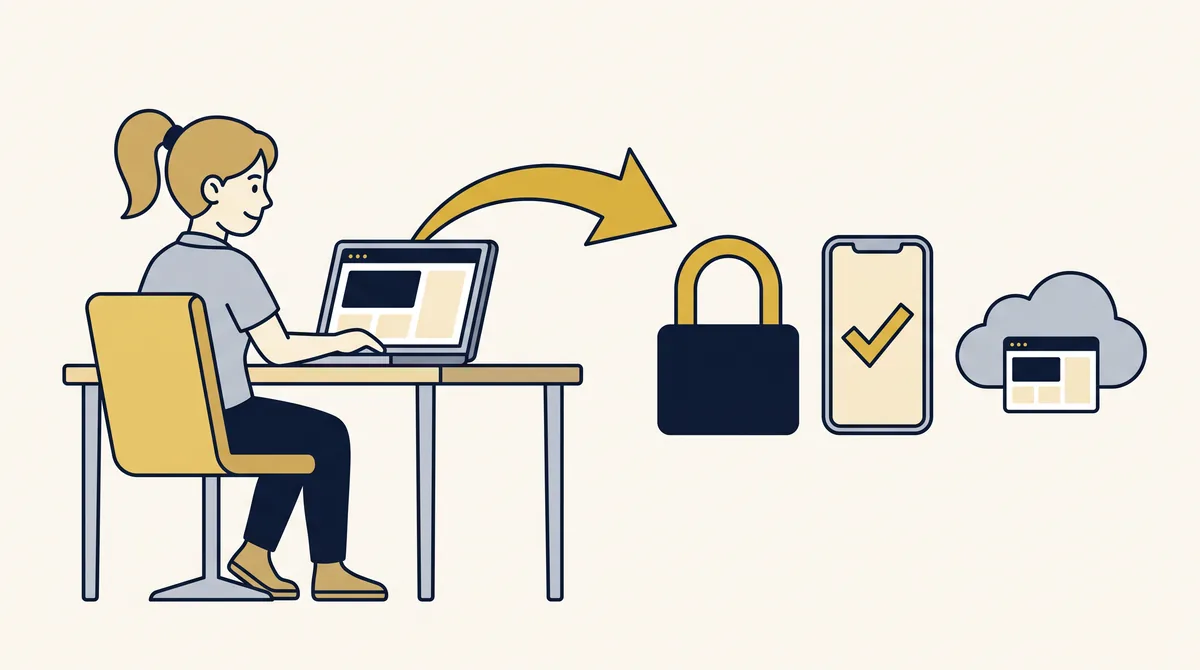
Use HTTPS, which encrypts information traveling between the visitor and the website. Review outside scripts and services before adding them. [8]
Contact forms, scheduling tools, and payment services have their own security responsibilities. Connecting one to a static page still means paying attention to how it handles customer information.
Choose a setup that fits your business
For a business presenting services, showing work, and encouraging inquiries, a static website can provide a simpler foundation with fewer exposed components and a straightforward path to fast page delivery.
The recent security incidents show why those choices deserve attention. Your website’s software and maintenance needs are part of the decision alongside its appearance.
If you want help choosing a website that fits your business, you are welcome to reach out to StoneBridge Solutions. We can talk about what your customers need and the simplest practical way to provide it.
Sources
- Dutch government: precautionary website shutdowns following PHP vulnerabilities, October 21, 2026. Dutch-language official announcement; facts paraphrased in English.
- National Cyber Security Centre of the Netherlands: PHP updates and its precautionary shutdown. Dutch-language official notice; facts paraphrased in English.
- PHP: October 21 security advisory and October 23 follow-up. The two main flaws are CVE-2026-109618 and CVE-2026-109619. PHP also published configuration-specific follow-up advice on October 23; operators should consult current vendor guidance.
- MDN: Client-server overview.
- Node.js: October 21, 2026 security releases. The compressed-data flaw is CVE-2026-111497.
- Cloudflare: caching static and dynamic content.
- Google web.dev: optimizing time to first byte.
- MDN: web security.
The reduction in exposure discussed here is an architectural explanation, not a measured security comparison or an audit of StoneBridge hosting. No claim is made that most websites were compromised, that static sites are immune to attacks, or that every static site is faster than every dynamic site.
Wondering if a simpler website fits your business?
We’ll talk through what your customers need and the simplest practical way to provide it.
Book a Free CallGet Website Tips in Your Inbox
Occasional practical advice for small business owners — no spam, unsubscribe anytime.